&w=3840&q=75)
- Payments
How to Apply a Custom Surcharge with Zeller
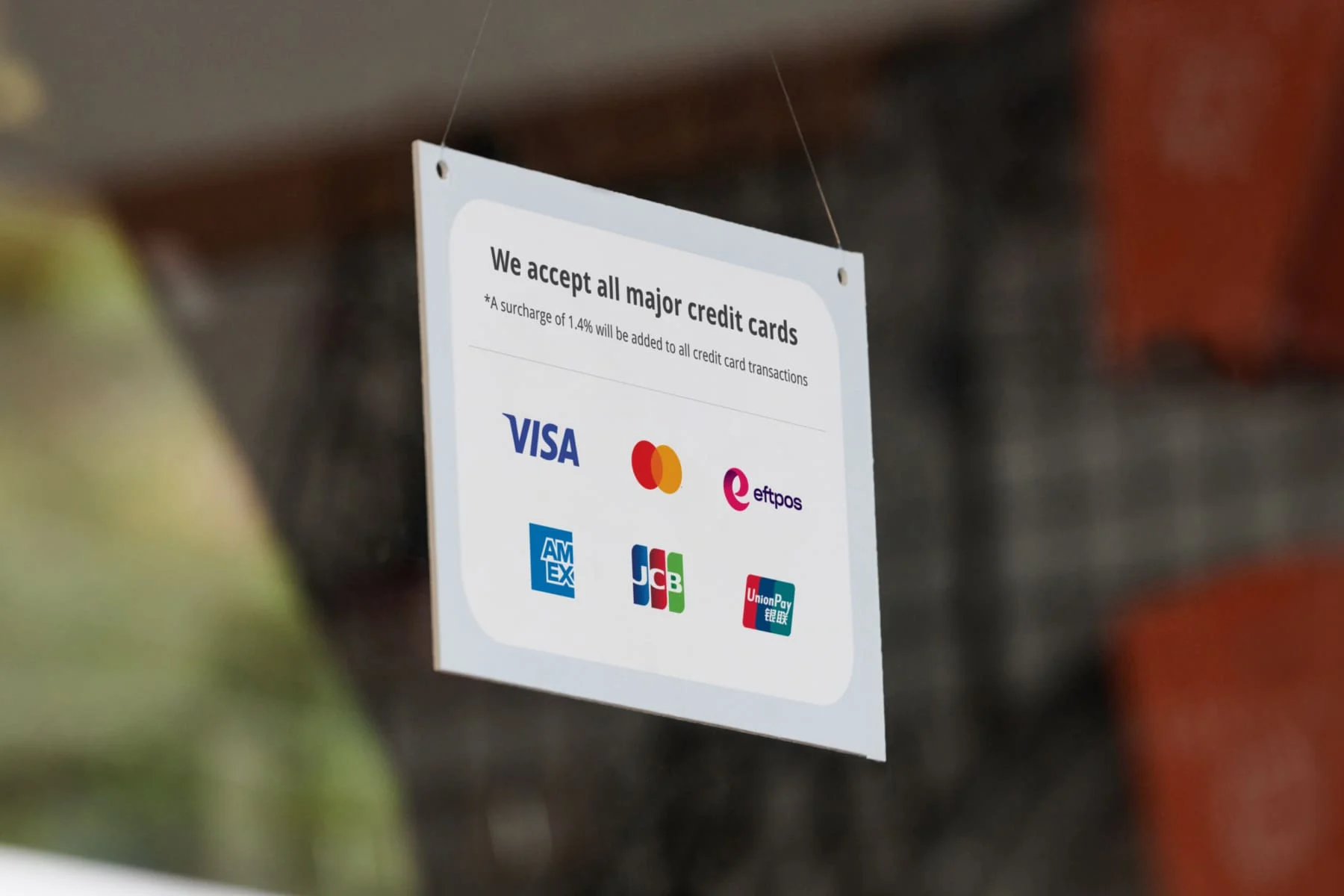
Zeller Terminal allows businesses to apply surcharges to card payments.
Surcharges help recover processing costs fairly and transparently.
Ensure surcharge amounts do not exceed actual costs.
Surcharges are automatically calculated and applied at checkout.
From 1 October 2026, card surcharging will no longer be permitted in Australia.
Important update: From 1 October 2026, card surcharging will no longer be permitted in Australia, following the RBA's decision to end card payment surcharges. The guidance below still applies if you currently surcharge — but if you're wondering what this means for your business and how to prepare, read What the RBA’s Surcharging Changes Mean for Your Business.
In this article, we’ll show you how to apply a surcharge to your transactions using Zeller.
Every time your business processes a cashless transaction via an EFTPOS terminal, a small fee is charged to cover the checks and balances needed to safely move funds from a customer’s account to yours. Surcharging helps cover the cost of this fee.
Some businesses choose to absorb the fee, while others pass them on to customers. With Zeller Terminal, you can easily pass on your entire transaction fee—or just a percentage—with the flick of a switch. Keep reading to learn how.
A reminder of the surcharging rules in Australia
The ACCC enforces stringent rules to ensure businesses don’t charge more than their actual cost of processing card payments, known as the cost of acceptance. Under the Competition and Consumer Act 2010, any card payment surcharge that exceeds this cost is considered excessive and is not allowed.
Example: If your cost of acceptance for a Visa credit card is 1%, the maximum surcharge you can apply to Visa credit payments is 1%.
Keep in mind: this only applies until 1 October 2026. From that date, card surcharging won't be permitted and all surcharges will need to be removed. If you use Zeller Terminal, surcharging will be automatically turned off on 1 October 2026, you do not need to turn it off manually.
How much can Zeller merchants surcharge?
For in-person transactions processed through Zeller Terminal, the cost is typically 1.4% of the total transaction amount. For card-not-present transactions—such as over the phone or by mail—the cost is usually 1.7%, reflecting the extra security required to verify these payments.
The maximum surcharge you can apply is equal to your transaction fee is therefore 1.4% for in-person payments, or 1.7% for card-not-present transactions.
How to set your surcharge with Zeller
Setting your custom surcharge takes just a few moments, and can be done via Zeller Dashboard or Zeller Terminal. Simply follow the steps below, and every transaction processed through Zeller Terminal will have a surcharge applied automatically.
Setting your surcharge on Zeller Dashboard
Surcharging functionality can be accessed via the Payments settings for each individual Zeller Terminal.
Follow these steps to set your surcharge on Zeller Dashboard for in-person payments:
Click on the Sites tab
Select the Site you would like to manage.
Click the Payments tab at the top of the screen.
Toggle on Card Payments Surcharge
From here, you can either choose to:
Select Surcharge my total fees OR
Select Surcharge a percentage
6. Click Save to confirm your changes.
As MOTO transactions incur a higher fee, you will need to toggle on surcharging for card-not-present payments separately. You will see the option for this in the same payments tab as above. The maximum surcharge you can set for MOTO transactions is 1.7%.
Setting your surcharge on Zeller Terminal
Setting and updating your surcharge on Zeller Terminal is just as simple — however, you must be logged in as an Account Administrator. This is to protect your business from staff accidentally toggling surcharging on or off.
Confirm your device is logged in via the navigation panel
Select Settings
Tap on Site Settings
Tap on Payments
Toggle on Card Payments Surcharge
If you wish, select Surcharge a percentage
Enter in the percentage you wish to charge
For more information about surcharging with Zeller Terminal, visit the Support Centre.
&w=3840&q=75)
Pay only 1.2% for POS and payments with Zeller.
Pay less when you accept integrated payments with Zeller POS and Zeller Terminal.
&w=3840&q=75)
&w=3840&q=75)
&w=3840&q=75)