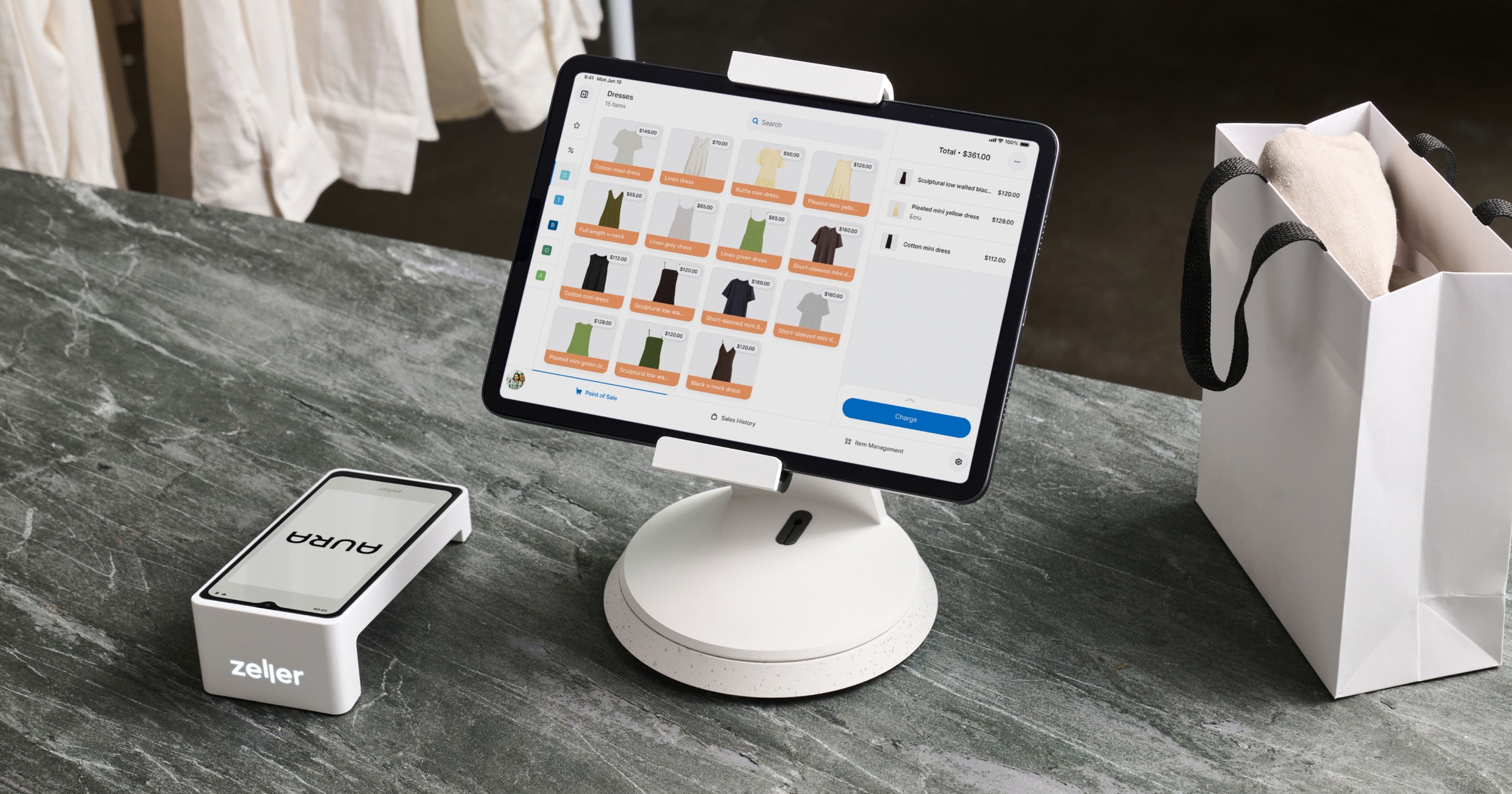
- Point of Sale
What is a SKU? The Complete Guide to Stock-keeping Units
SKUs are retailer-created alphanumeric codes used to track inventory internally.
Use consistent naming conventions with clear abbreviations and uppercase letters throughout.
Avoid leading zeros and special characters — they break data integrity across systems.
Build a SKU system that is scalable and accounts for future product growth.
A POS system simplifies SKU creation, management, and real-time inventory tracking.
A stock-keeping unit (SKU) is a set of alphanumeric digits, usually eight to ten characters, that retailers use for tracking inventory. SKUs enable businesses to label items with a code to identify and efficiently track products and stock levels in their point-of-sale system. A SKU usually consists of the item name, product information (colour/size), and manufacturer details or identifier number, for example, TSH-PNK-MED-001 (T-shirt, pink, medium, identifier number). These codes can either be created manually or automatically generated via your POS system.
Ultimately, SKUs allow you to keep track of how many items you have sold and how many are remaining either on-premises or online, to avoid overstocking or stock-outs.
SKUs and inventory management
SKUs help organise stock by uniquely identifying each product, making it easier to track and monitor inventory. Businesses can track product amounts and find their exact location. This location can be in a warehouse, store, or sold. This enables accurate stock tracking, helping identify best sellers or overstocked items for better inventory decisions.
In inventory management, SKUs are crucially important. They help automate restocking when stock levels get low. This ensures good stock control and prevents shortages. This integration allows businesses to streamline operations and improve decision-making.

What is the difference between a SKU and a barcode?
A barcode is made up of a 12-digit number known as a universal product code (UPC) which is assigned to products when it is manufactured.
While both barcodes and SKUs are designed to identify products, they are used in different contexts. For example, let’s say a manufacturer produces a variety of shampoos under the same brand. The manufacturer would use a barcode (UPC) to track how many bottles of each shampoo are shipped to retailers.
On the other hand, the retailers would create SKUs for those bottles of shampoo to manage their stock. For instance, a retailer might create different SKUs for the same brand's shampoo based on specific attributes such as size, variant, or scent to track how many units of each type are sold or in stock.
Example:
Brand: Shirley’s Shampoo
Category: Shampoo (SH)
Variant: Anti-dandruff (AD), Moisturising (MO), or Volumising (VL)
Size: 250ml or 500ml
Store Code: Store A (STA)
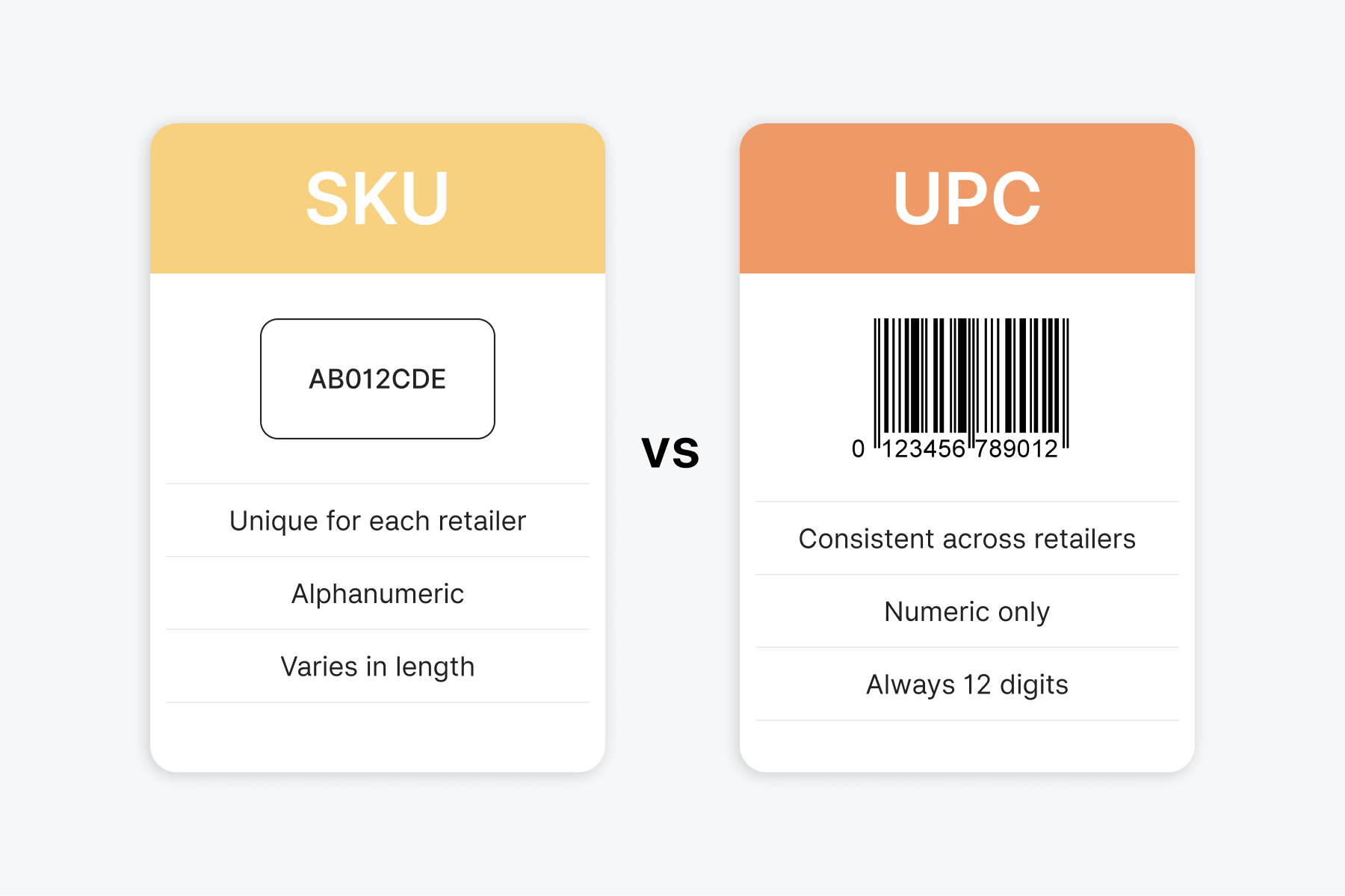
So, the retailer's SKU for a 250ml bottle of Shirley’s Anti-Dandruff Shampoo might look like — SH-AD-250-STA. Meanwhile, the 500ml bottle of Shirley’s Moisturising Shampoo version could be — SH-MO-500-STA. This allows the retailer to track different sizes and variants of the same shampoo brand effectively in their POS system. The following table below details the differences between a stock-keeping unit and a universal product code (barcode).
How to create and manage SKUs
While there are two simple ways to create SKUs — either manually in a spreadsheet or automatically via a POS system — there are several effective strategies to manage them.
Description and consistency Ensure a clear and consistent SKU description that is easily understandable. The format could be either short or long, but it needs to be easily understood and categorised accordingly. Use simple abbreviations such as 'BEV' for beverage, 'CON' for confectionery, 'APP' for apparel, for example.
Training and updates Regular updates and reviews are required to keep SKUs consistent and comprehensible. Your staff also need to be trained in the SKU management process to avoid errors and misunderstandings.
Scalability While writing SKUs may seem like something you can figure out on the go, a strategy and careful planning are required to create a system that is scalable. It's important to create a SKU system that will grow with your business, so be sure to consider future inventory when building your library.
SKU best practices and pitfalls to avoid Even a well-intentioned SKU system can run into trouble if a few common pitfalls aren't addressed upfront.
Avoid leading zeros. Don't begin SKUs with a zero — for example, 0012-APP-BLK. Many spreadsheet applications like Excel will automatically strip that leading zero, silently turning it into 12-APP-BLK and breaking your data integrity. If your system requires numeric identifiers, ensure SKU fields are formatted as text rather than numbers.
Steer clear of special characters and spaces. Stick to letters, numbers, dashes ( - ), underscores ( _ ), and periods ( . ). Characters like %, &, *, /, and spaces can confuse inventory software, break web URLs, and cause errors when importing or exporting data between systems.
Use all capitals. Write SKUs in uppercase throughout to eliminate ambiguity between similar-looking characters — such as the letter I and lowercase l, or the letter O and the number 0.
SKUs made simple with Zeller POS Lite
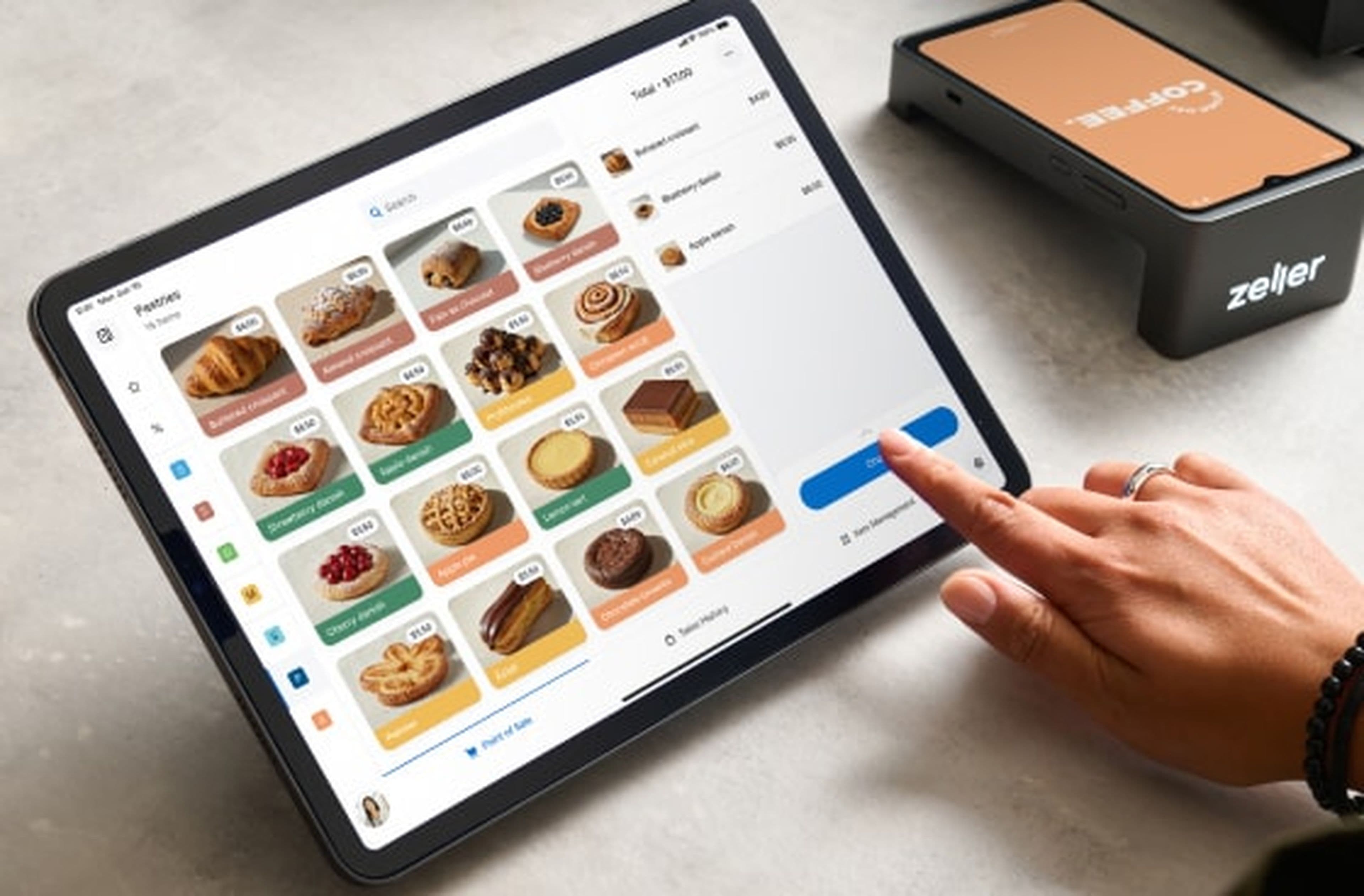
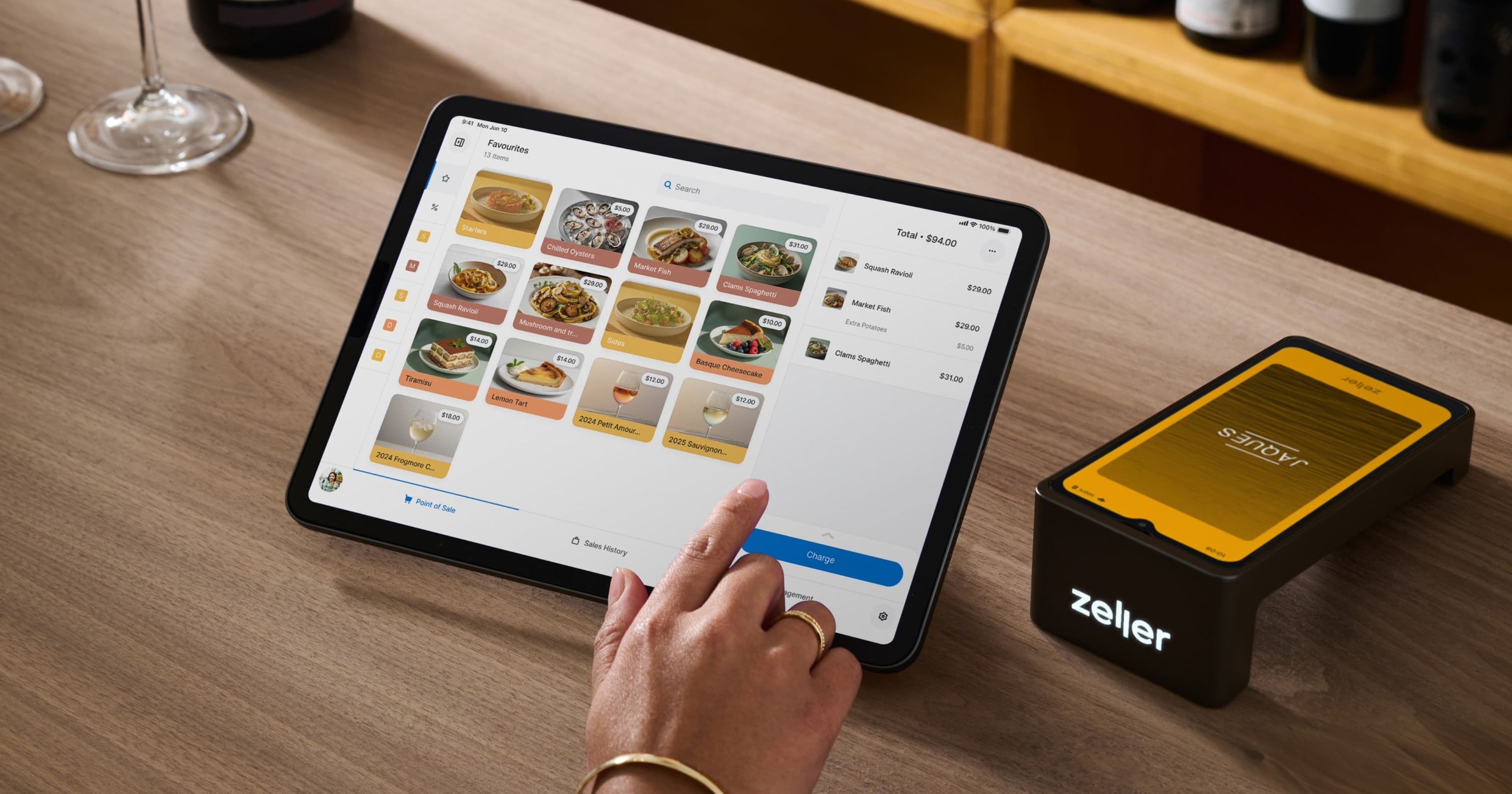
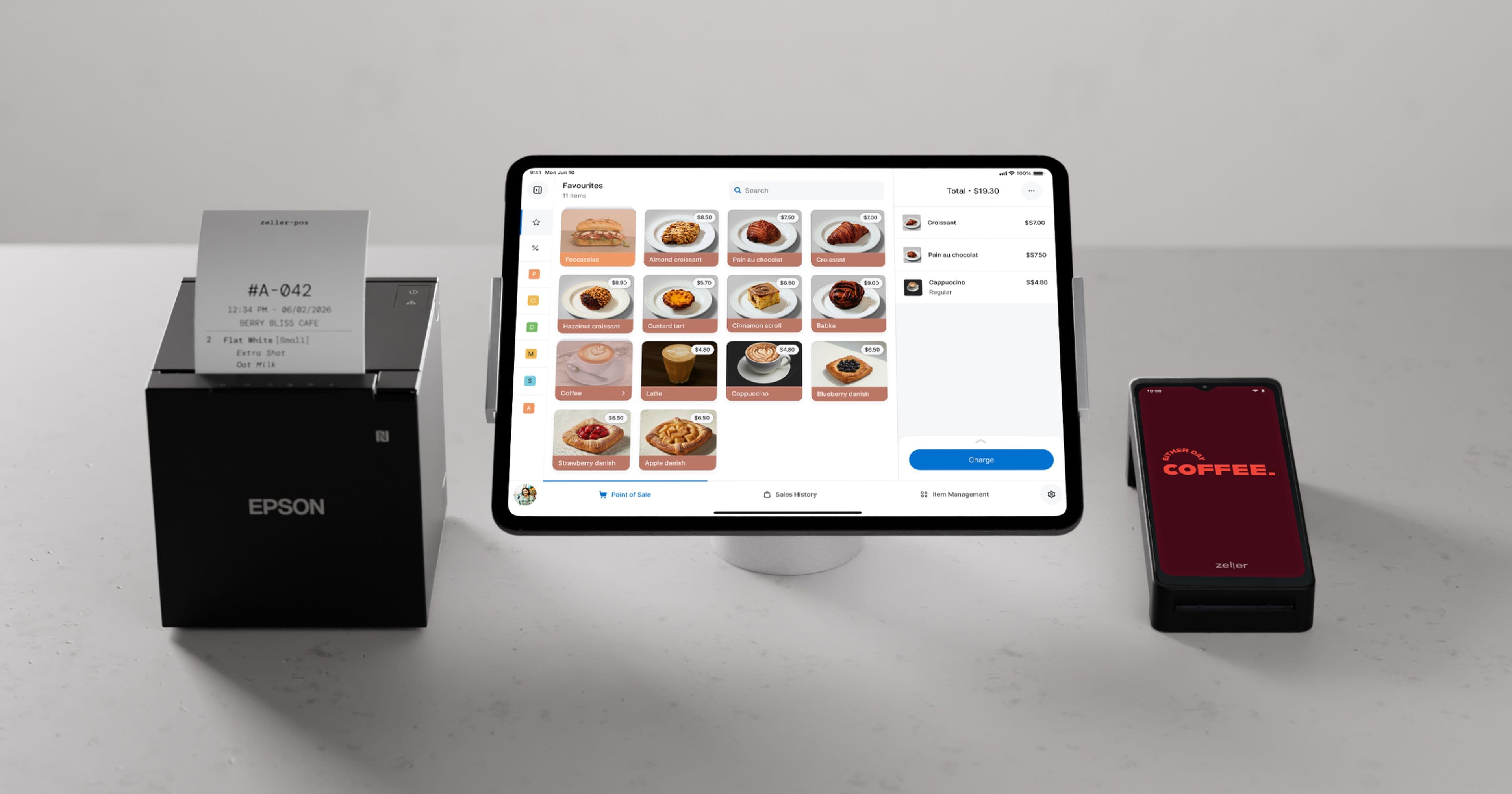
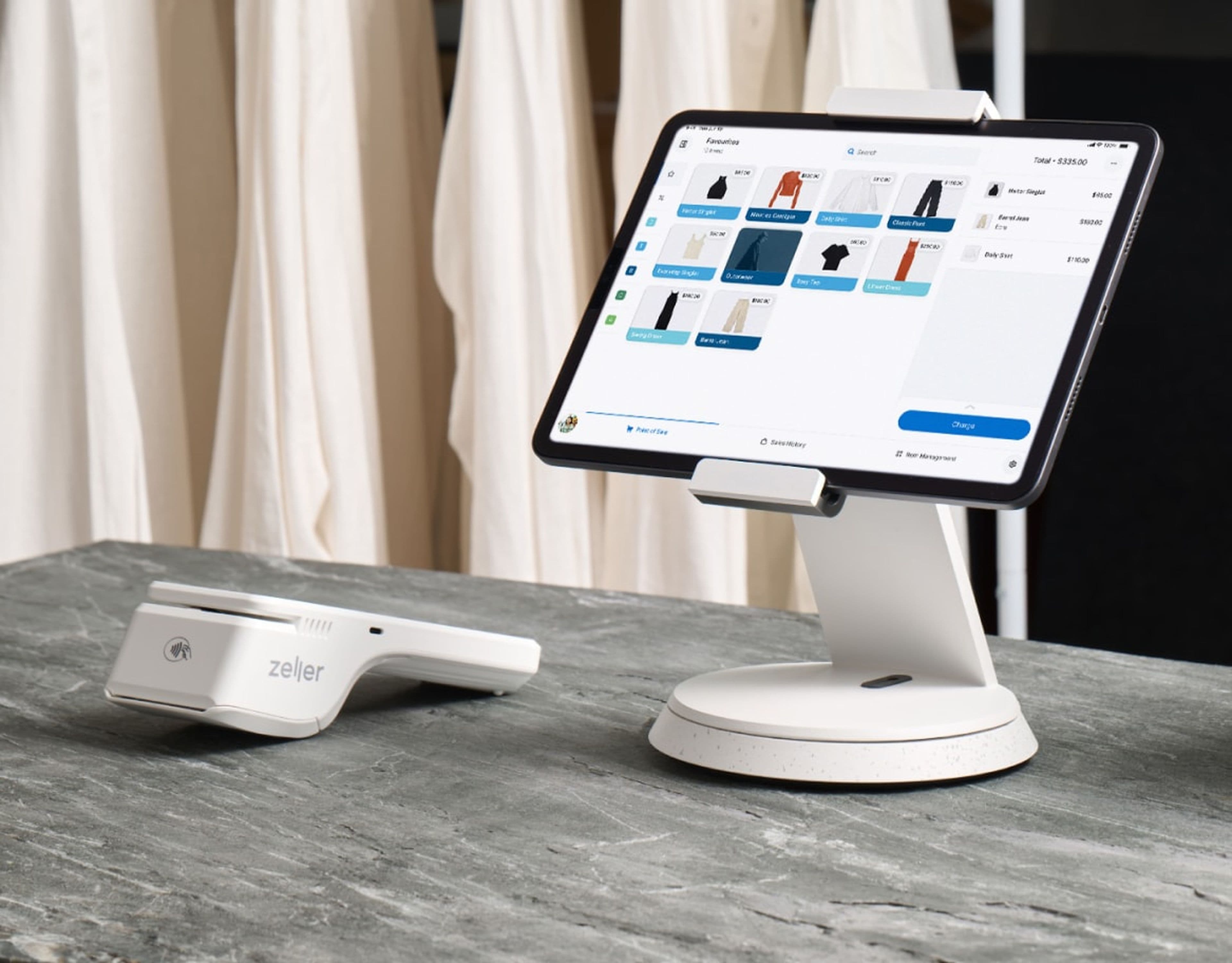
Manually categorising items and managing SKUs can be tedious and time-consuming, which is why it pays to have a POS system to simplify the process. Zeller POS Lite is a user-friendly point-of-sale system, built-in to Zeller Terminal 2, which allows retailers to quickly create and manage a SKU system — affordably. Whether you’re setting up from scratch or migrating from an existing POS, Zeller POS Lite simplifies the process of building an item library with images, descriptions, prices, and categories. You can upload an item list in CSV format, or create one directly on the terminal or via Zeller Dashboard. Plus, all changes are synced in real-time, ensuring your SKU system is always up-to-date.
Pay nothing for POS + payments.
Get cash back on 100% of card payment fees you transact with Zeller POS. Terms apply.