- Payments & Point of Sale Solutions
How to Use a Card Machine: A Complete Guide
• Card machines enable fast, secure debit, credit, and contactless payments.
• Modern devices support mobile wallets and over-the-phone (MOTO) payments.
• Features like tipping, split payments, and POS tools improve daily operations.
• Wi-Fi and mobile data connectivity let you take payments anywhere.
• Fast settlement gives you quicker access to funds and better cash flow.
A card machine is an essential tool for modern businesses.
Card machines accept debit and credit card payments. A modern device from a reliable payment provider handles this by sending transaction approvals and securely transferring funds between systems. The customer’s funds are then settled into your nominated business account - ready to spend, reinvest, or pay suppliers and employees.
This is the foundation of a reliable card machine. No matter what additional features are offered, your business needs a device that can process every payment quickly, securely, and consistently.
Understanding how a card machine works
A card machine moves funds from a customer’s account into your own. When selling in person, you need a card machine to accept digital payments.
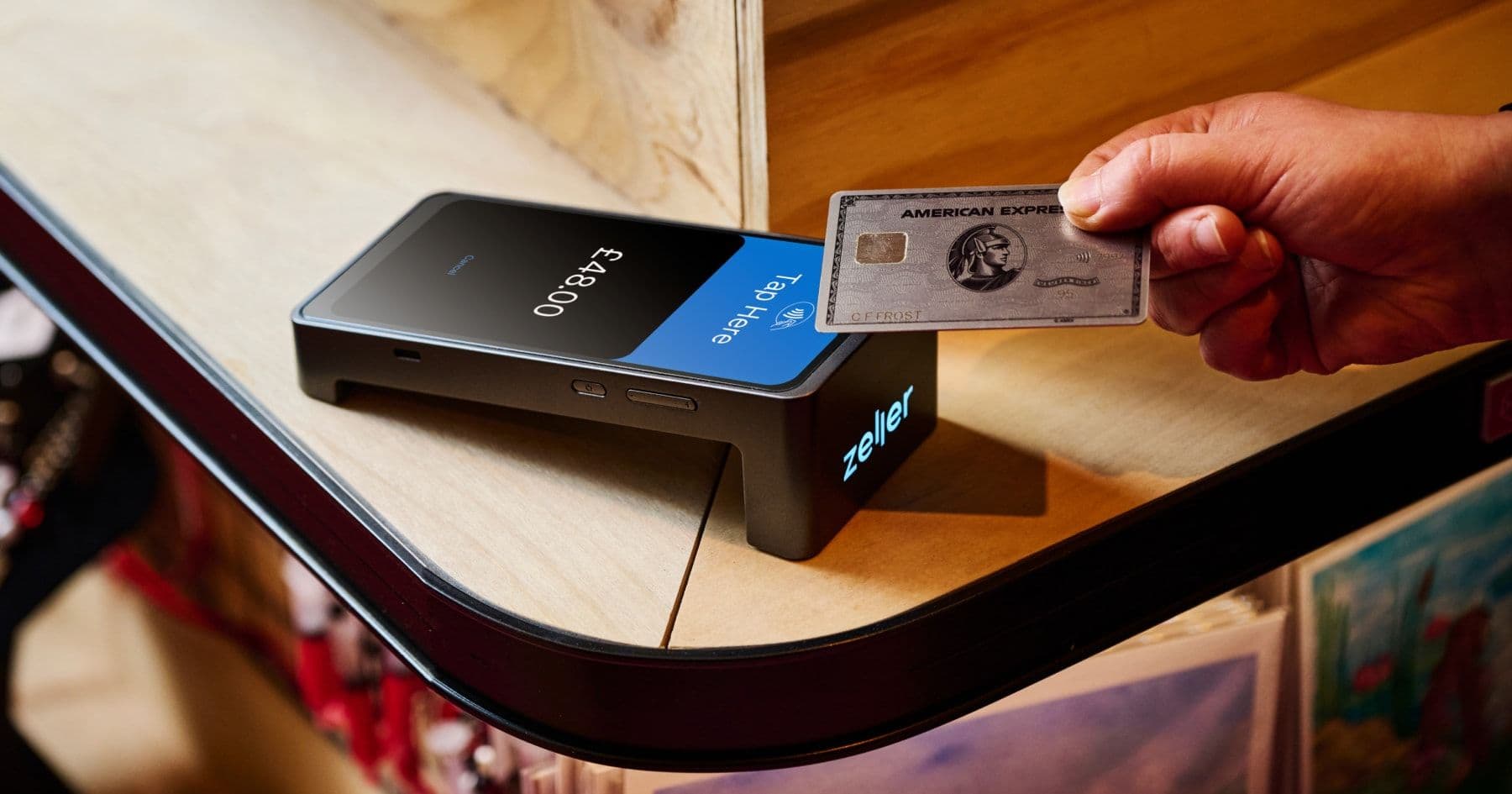
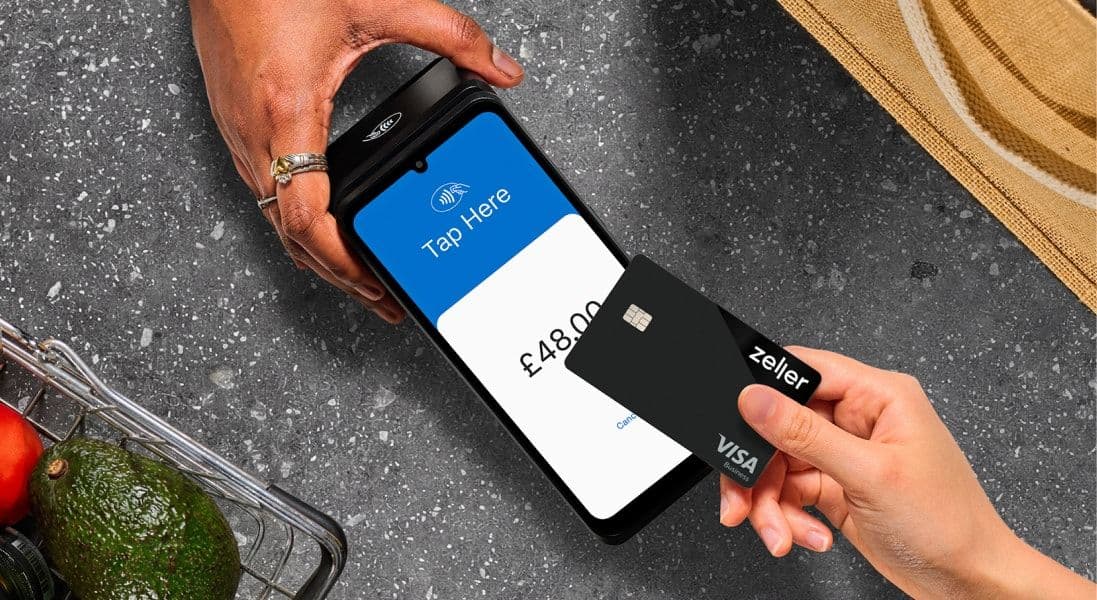
Contactless payments are now the norm. Without a card machine, you limit your customer base to those carrying cash. Zeller Terminal accepts payments through inserted, swiped, and contactless cards, as well as NFC-enabled devices and over-the-phone (MOTO) payments.
How do you enter a card number on a card machine
To enter a card number manually, key in the card number, expiry date, and Card Verification Value (CVV). These are known as MOTO (Mail Order Telephone Order) payments.
On Zeller Terminal, accepting a manually entered payment is simple - switch from Card to MOTO mode.
This gives you a quick and secure way to accept payments when customers are not present.
Using advanced card machine features
Modern card machines offer more than just payment processing. The best devices combine fast, reliable payments with features that help you run and grow your business, such as:
Showcasing your brand through receipts and screensavers.
Providing enhanced security on every transaction.
Integrating with POS systems, or offering a built-in point-of-sale.
Splitting payments by amount or by number of customers.
Prompting customers to add a tip at checkout.
Keep reading to see how these features can support your business with Zeller Terminal.
Showcasing your brand
Receipts, whether printed or digital are a simple way to promote your business and create a better customer experience.
No longer just proof of purchase, receipts can help you:
Showcase your logo and branding.
Encourage customers to follow you on social media.
Build relationships with a custom message.
Reduce disputes by including clear return information.
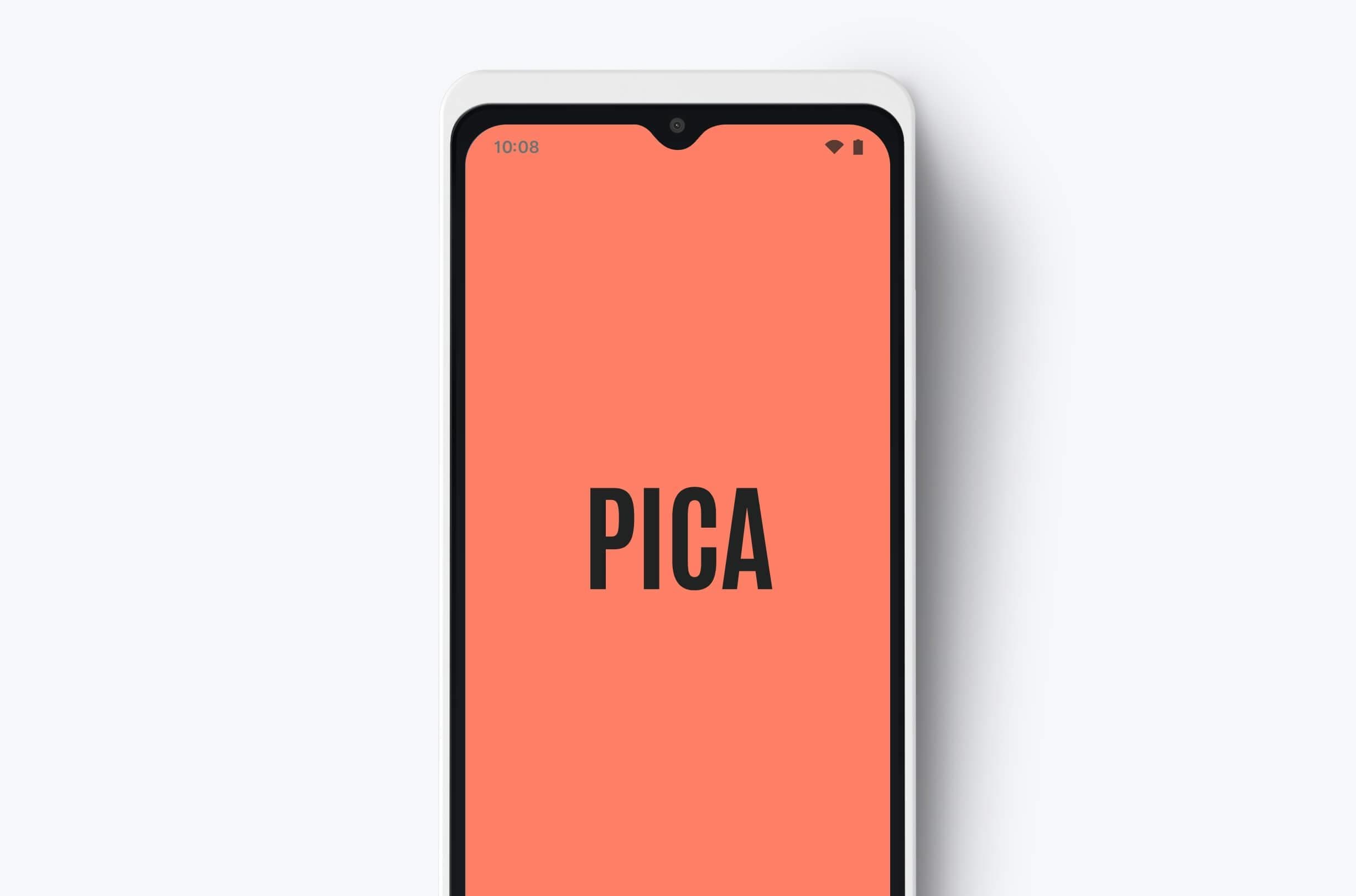
Modern card machines, like Zeller Terminal, also allow you to customise the screensaver with your logo or promotions, helping you stay visible to customers during checkout.
You can also learn how to use Zeller receipts as a marketing tool.
Providing enhanced security
As your business grows, more staff may need access to your card machine. Without the right controls, this can create a security risk for both your business and your customers.
Zeller Terminal gives you control over who can access sensitive features, such as transaction data, refunds, and settings. By setting a secure PIN, you can restrict access to specific functions and help protect your business.
Point-of-sale functionality and integrations
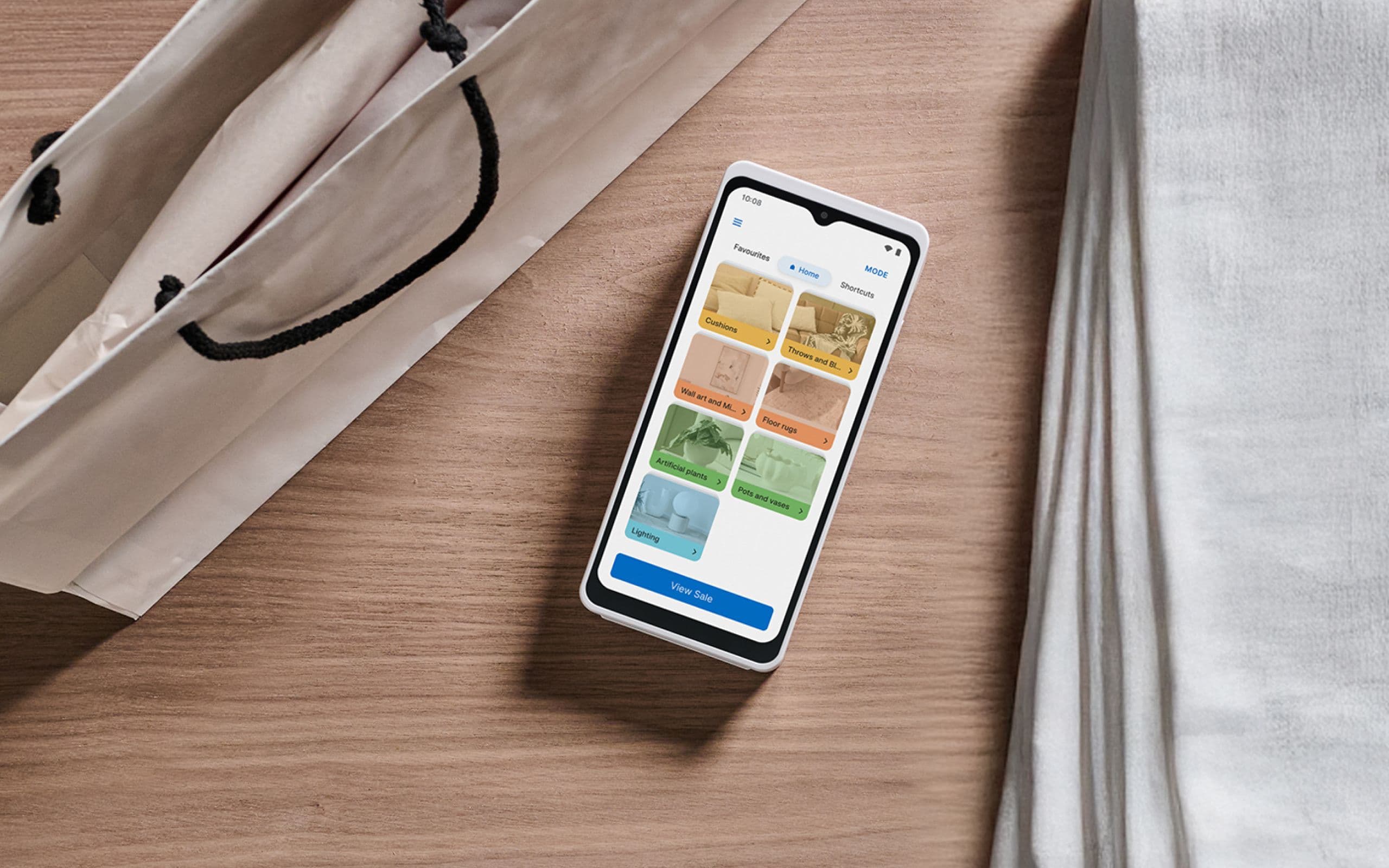
A point-of-sale (POS) system allows you to create an item library, track inventory, build a basket, accept payments, and send itemised receipts - all in one seamless flow. POS systems are a modern alternative to the traditional cash register and can run on computers, tablets, smartphones, and card machines.
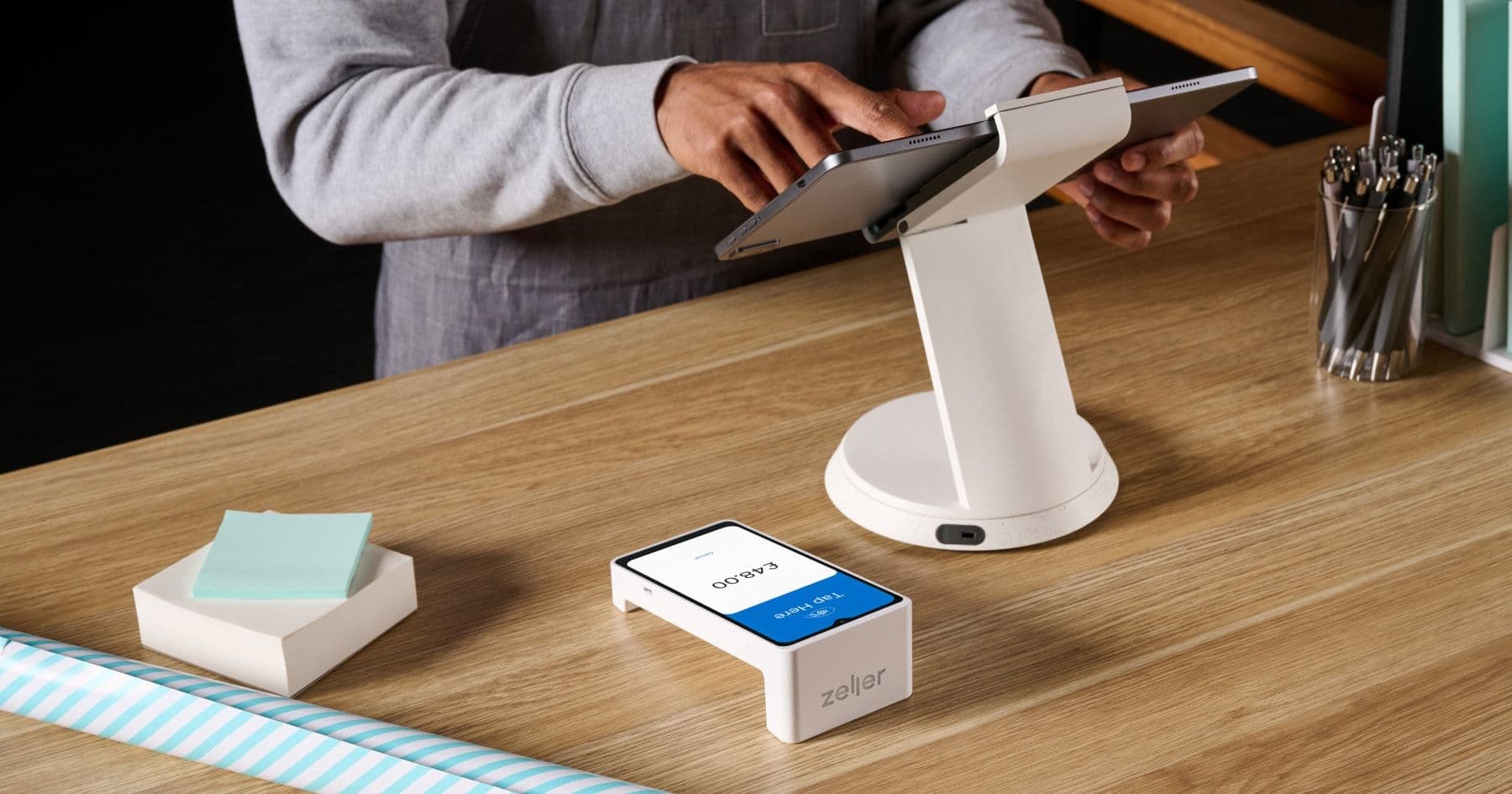
Zeller POS Lite comes built into Zeller Terminal 2 at no extra cost, allowing you to create and manage your item library directly from your card machine or via the Zeller App. You can add modifiers, customise products, and generate reports to track what’s selling.
Alternatively, your card machine should work with your existing systems. In the UK, Zeller integrates with platforms such as Xero and Oracle, helping you manage payments alongside your wider business operations.
Split payments
In businesses such as restaurants or cafés, customers often ask to split a bill between multiple people. A modern card machine allows you to do this automatically, without staff having to calculate amounts manually.
With Zeller Terminal, you can split payments directly from the device. Transactions can be divided evenly by the number of customers, or each person can choose a custom amount until the total is paid.
Prompting customers for tips.
Zeller Terminal makes it easy for customers to leave a tip, which is particularly useful for hospitality businesses.
You can choose how tipping is presented - whether as a percentage of the transaction or a custom amount - giving customers a simple way to add a tip at checkout.
Looking for the perfect Card Machine?
Learn moreWhy you need a card machine
Card payments are now the standard for most businesses. Customers expect to be able to pay quickly using a card or mobile wallet.
In the UK, contactless payments account for the majority of transactions - making up 67% of credit card and 76% of debit card payments.
Card payments are simple, fast, and secure. Customers can tap, insert, or swipe their card or device without handling cash, helping keep transactions smooth and efficient.
For this reason, having a card machine is essential for both your day-to-day operations and your customer experience.
What payments can a card machine accept
Card machines accept both debit and credit cards, along with modern payment methods.
As payment technology evolves, customers expect more ways to pay. Older devices may not support newer methods, which can limit how customers choose to pay.
When choosing a card machine, look for one that supports a wide range of payment options, including:
Major card networks such as Visa and American Express.
Contactless payments (tap to pay).
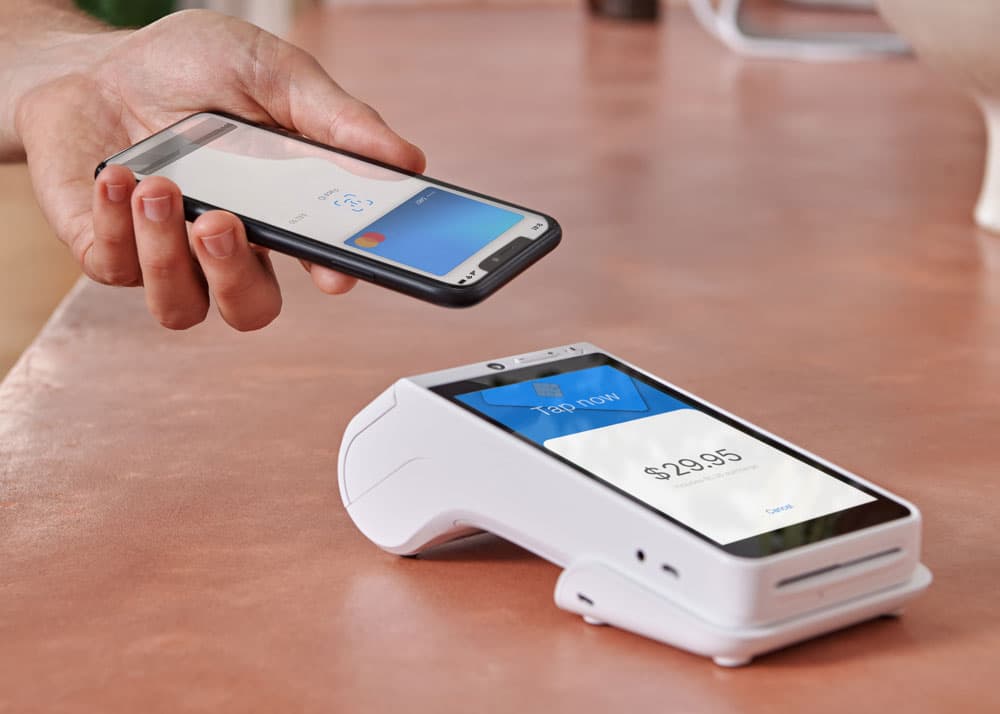
Mobile wallets such as Apple Pay and Google Pay.
Chip and PIN, swipe, and manual entry payments.
Offering flexible payment options helps ensure you can accept payments however your customers prefer.
Do card machines need internet
Card machines use an internet connection to process payments, either through Wi-Fi or mobile data.
Modern devices include SIM connectivity, allowing you to take payments even when you’re away from a fixed connection. Modern card machines, such as Zeller Terminal, offer multiple connectivity options - including Wi-Fi, 5G, and Ethernet or dock connectivity, so you can stay connected and take payments wherever you trade.
Behind the scenes, each transaction requires communication between the card machine, the card issuer, the processing bank, and the payment network. Reliable connectivity is essential, but your device no longer needs to be fixed in one place, it should work wherever your business operates.
How long does a card machine transaction take
Every business owner wants to know how long it takes to receive funds from card payments. Settlement times directly impact your cash flow and ability to run and grow your business.
With Zeller Terminal, funds are settled to your Zeller Business Account nightly, giving you fast access to your money.
Troubleshooting common card machine issues
Even with a reliable card machine, occasional issues can occur. Here are some common problems and how to resolve them:
Card declined. Ask the customer to check their available funds, expiry date, or contact their bank. You can also try the payment again or use an alternative payment method.
No internet connection. Check your Wi-Fi or mobile signal, or switch to a backup connection such as mobile data if available.
Payment not processing. Restart the card machine and try the transaction again. Ensure your software is up to date.
Card not recognised. Ask the customer to insert or swipe their card instead of tapping, or try another card or device.
Receipt not received. Confirm the customer’s email or phone number is correct, or ask them to scan the QR code again.
Slow performance. Check your internet connection and close any unused apps or processes on the device.
If issues persist, contact your payment provider’s support team for assistance.
Finding the right card machine for your business
Card machines make payments simple for both customers and businesses. Customers can pay quickly and get on with their day, while your business can reduce wait times and deliver a smoother service.
Choosing a reliable, secure, and flexible provider should be a priority. Zeller helps businesses accept payments, manage cash flow, and access funds quickly.